







GEMLinkplus Software and USB Drivers for Magnetometers and Gradiometers
NEW GEMLink 5.4 Software for PC
GEMLink is a Windows based application used for all GEM Systems’ magnetometers / gradiometers. GEMLink communicates bi-directionally with magnetometers through a serial port (USB to RS232 adaptor provided with every unit sold) at the selected baud rate. Baud rates up to 921600bps are supported. The captured data can be displayed in real time on the computer screen either with numerical format (ASCII) or binary mode (HEX).
GEMLink features include:
- Magnetic Data Downloading with buffer indication (Text or Binary)
- On-screen Editor
- Profile Plotting
- Diurnal Correction
- File Merging
- Coordinate Conversion
- Conversion to a different datum
- Upload Way Points
- Programmable Base Schedule Upload
- Software Upgrade
- Basic Modeling utilities
- Multiple channel Real-time Magnetic Graph
- Basic magnetic map plotting and contour
- Stack (Mirror) data plotting for VLF diagnostic.
- Supports Multi-language Windows
- Updated UK/US World Magnetic Model 2010
- USB serial adapter disconnection protection
- Real time graph for Mag or Grad Value
- Waypoint Plan Function
- Waypoint Tracking Function
For a short overview of GEMLink’s latest enhancements, click here.
Download GEMLink for Windows
GEMLink has recently been upgraded to .net framework version 4.5 platform. The most important additions are a plotting utility that graphs profiles of magnetic data and a Geographic Coordinates conversion tool that converts between Geodetic (Latitude and Longitude) to UTM coordinate systems. The latest version also supports satellite map integration from Google, Yahoo!, and Bing which allows line planning as well as real time survey tracking. GEMLink gives smooth and reliable data downloading with flow control option.
- GEMLink 5.4.8.1 (Updated March 2025) is available for Windows Vista, Windows 7, and Windows 10.
- The latest maintenance fix addresses an issue with dates and flashing mag firmwares.
- When transfer of the GEMLink v5.4.8.1.zip file is complete, extract the corresponding *.zip file and run setup.exe on your computer.
- Click here to download the latest version of GEMLink.
Previous GEMLink versions
The previous version of GEMLink, v5.4.0.4, is still available on our site.
- GEMLink 5.4.0.4 is available for Windows Vista, Windows 7, and Windows 10.
- Click here to Start Download
An older version of GEMLink is available for users with Windows XP and previous operating systems. Click the link below for support on these systems.
- GEMLink 5.3 is available for Windows Win98 Second Edition, Win ME, Win2000, and Windows XP.
- Click here to Start Download
USB Driver Upgrades
Blue USB to Serial Driver
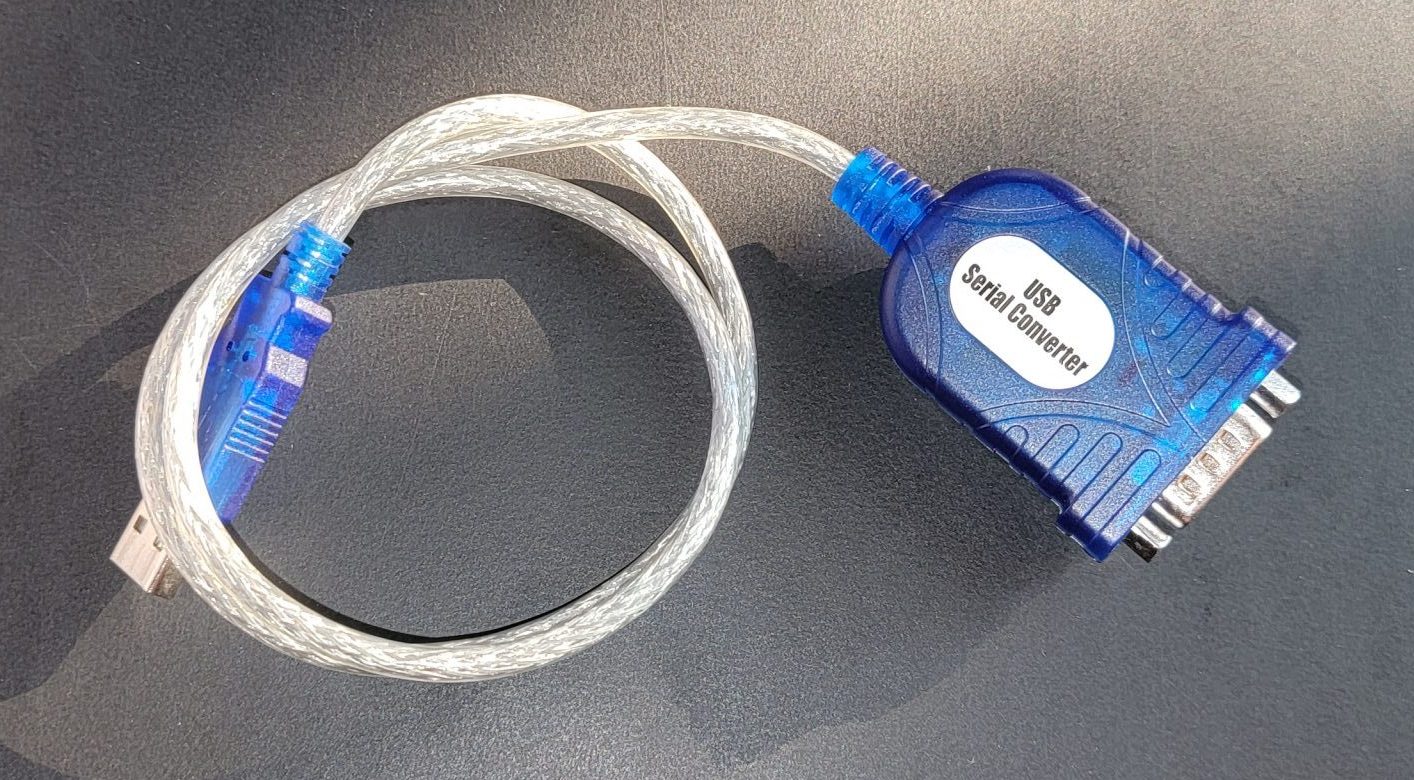
If you are using a Blue USB-RS232 adapter you may need a driver update (especially if using windows 7).
- The latest is version 2.0.6 and can be downloaded here.
- Previously provided version is 1.12.0 and can be download here.
White USB to Serial
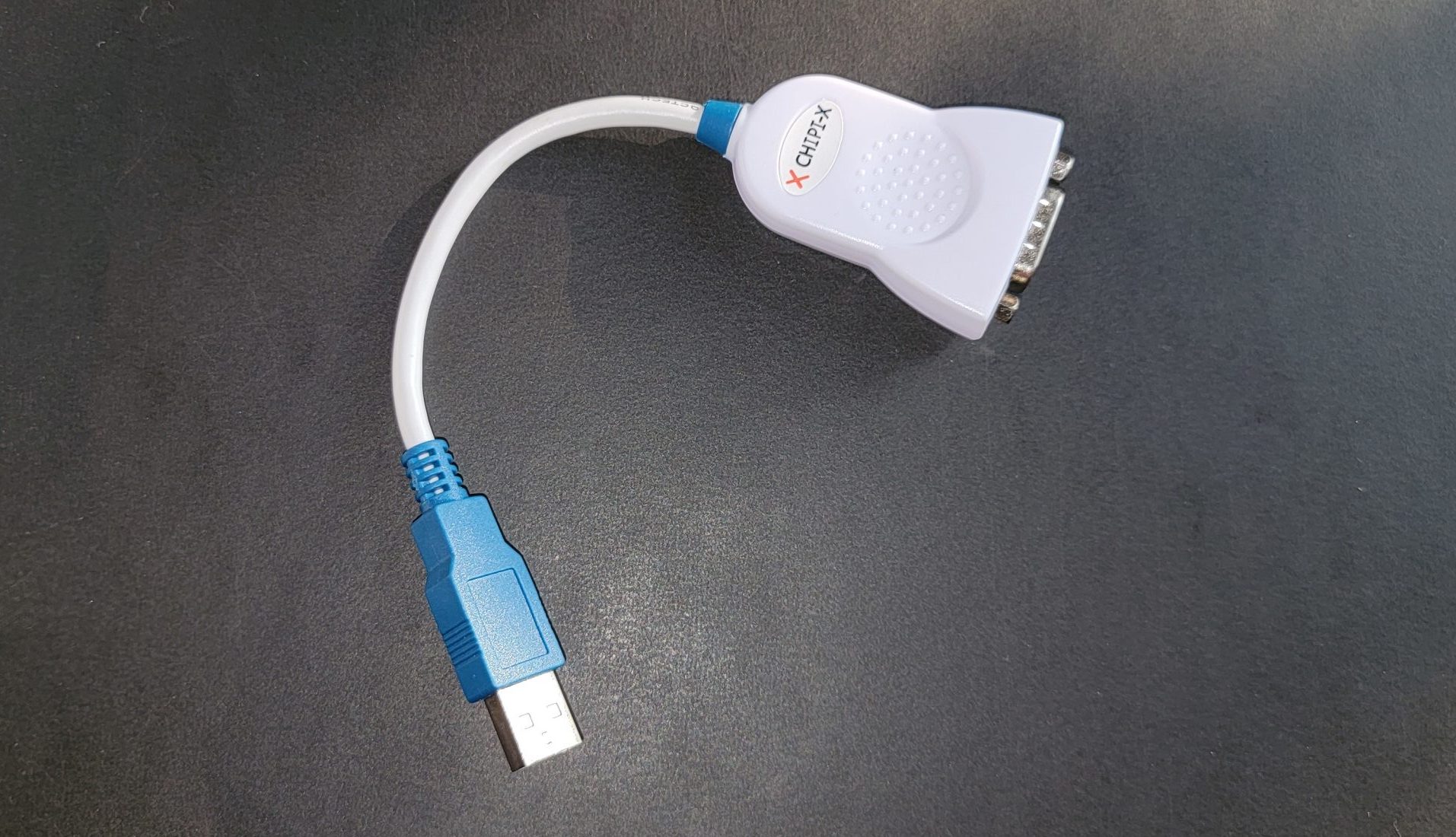
If you are using White USB-RS232 adapter you may need a driver update.
- The latest version is v2.12.36.4 and can be download here for setup, or INF files from here.
- Previously provided version is v2.12.28 and can be downloaded here.
Note: Please make sure to virus scan all downloads before installing on your system. The above files were virus scanned before being added to website with https://virustotal.com, Norton, and Kaspersky; but this will not protect you from new issues which may be found at the time of download.
BACK

REQUEST A CALLBACK
If you would like to receive a callback from GEM Systems.

NEWS and EVENTS